Using this method the Computer doesn't need to connect to the internet.
To activate Data Loader using offline method please do the following
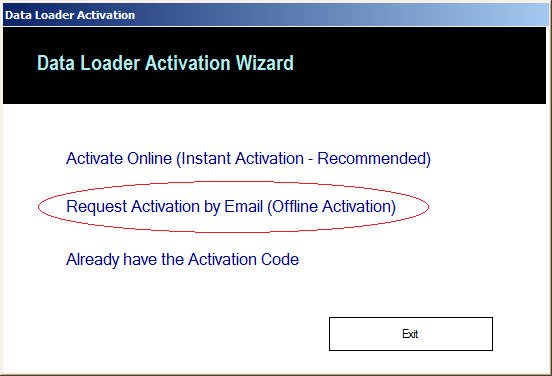
Choose Activate Offline Option as shown in the picture below
Once you click the above link, you will get the following screen. Please fill all the fields with appropriate values and click "Save" button to generate and save the "Activation Request File"
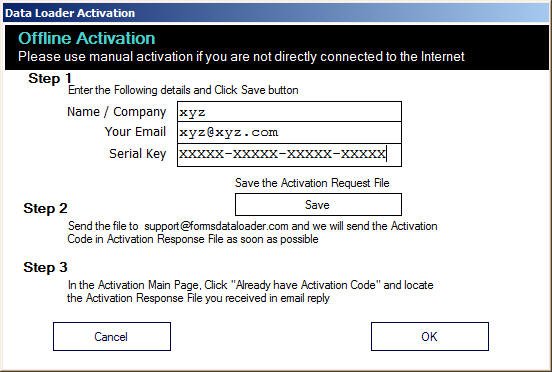
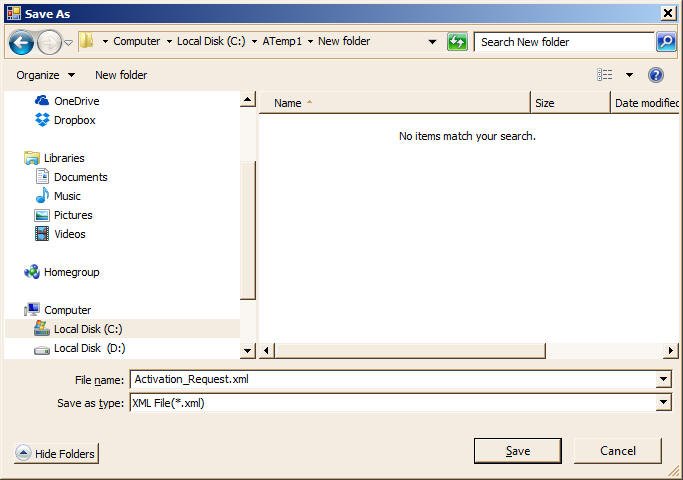
After saving the file, click "OK" to close the form.
Please email the just saved "Activation Request.xml" file to support@formsdataloader.com and we will process it and send the Activation Response file as soon as possible.
Once you receive the Activation Response file "Activation Response.xml" from us through email, please save it in a folder.
Now please start any of the tool and click "Activate" button to get the Data Loader Activation Wizard.
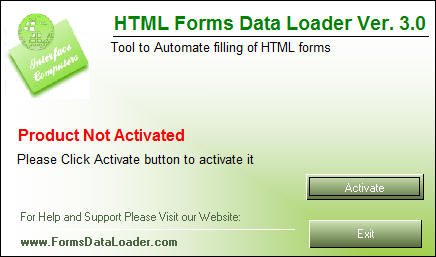
Now you need to choose the third option "Already have Activation code" as shown below
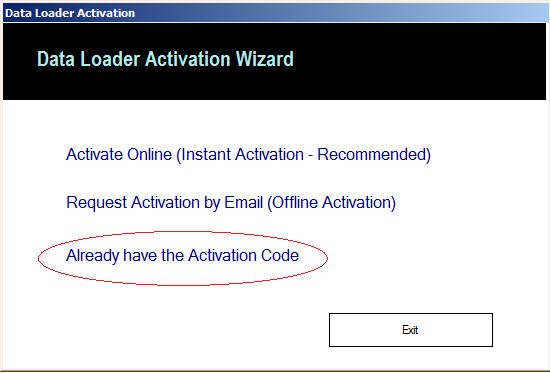
Then you will get a screen as shown below. Click browse or enter the path where Activation Response file is located and click Activate button
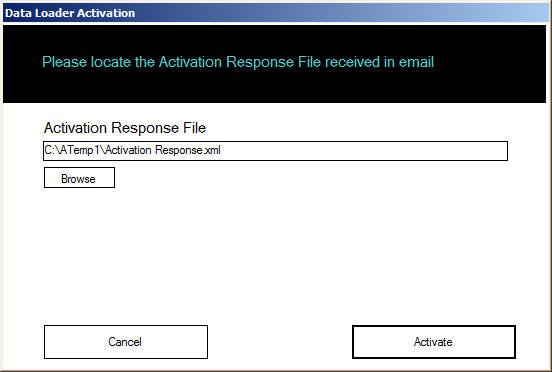
Once you click Activate button the product will be activated. You can now start using the product.