When the start button is clicked, the R12 Application does not load from the FDL file – we only see three v’s in the first cell or as the screen shots below show, nothing is loaded into the R12 Application.
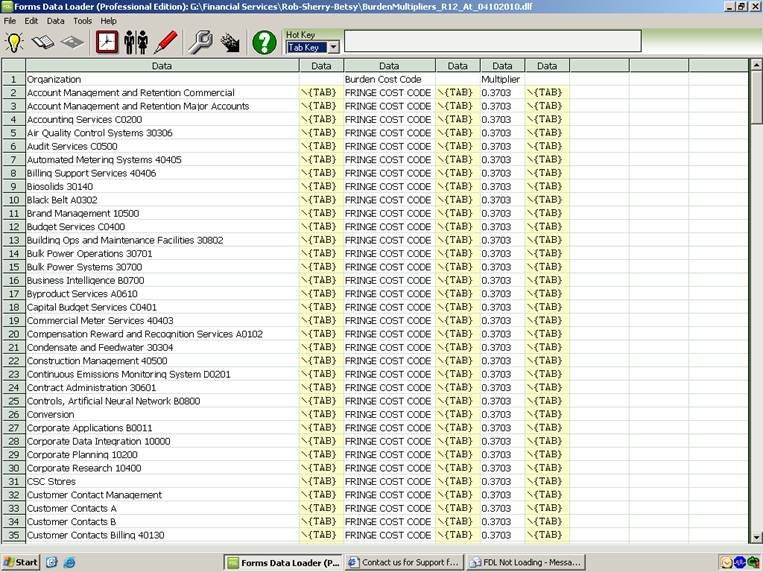
This is a screen shot of the FDL file I am using to upload to R12:
The next screen shot shows the connection to R12:
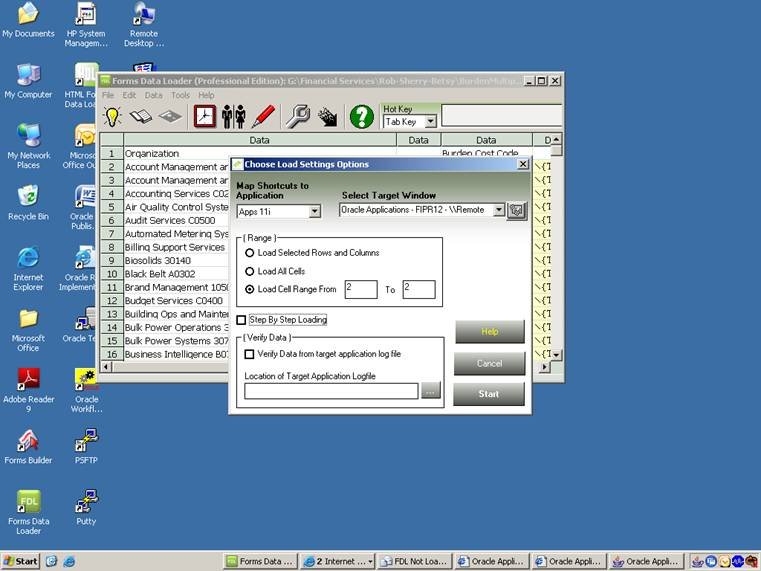
Did a test just on row two and show everything loaded.
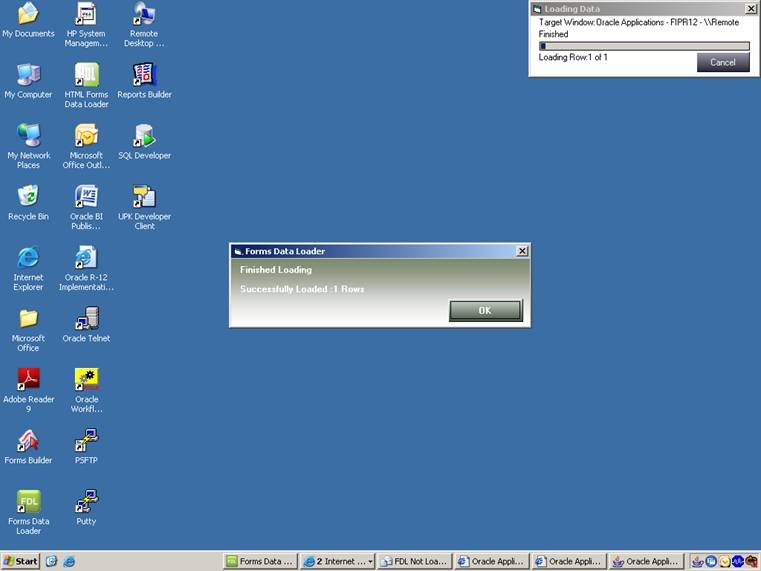
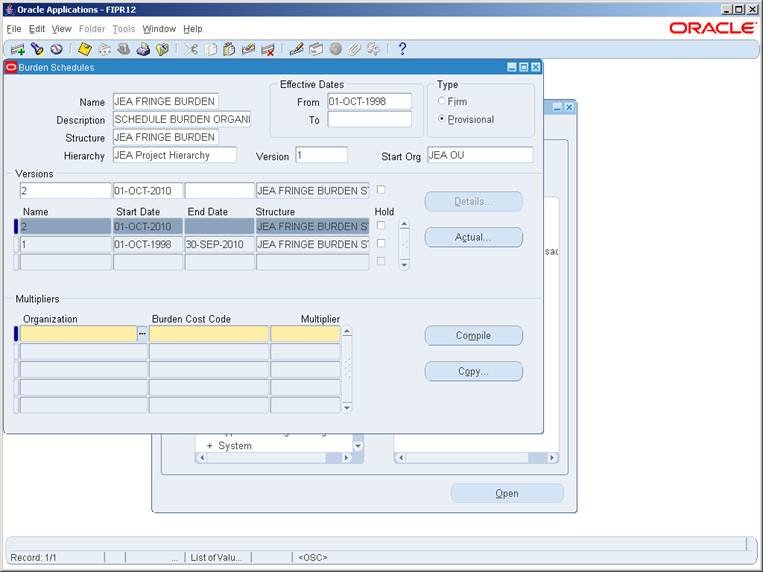
However, in the R12 Application, nothing loaded even though I had my cursor located in the first highlighted cell.
Answer
This happens if you are using Remote Desktop. We have developed a new engine for this and request you to download the latest version of Data Loader.
After downloading and installing the new version please open the DLF file in it and then press start and then click the "Use alternate method " checkbox as shown in the picture below.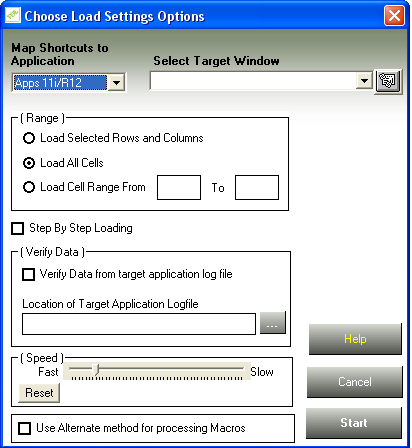
Hope this helps.